Overview
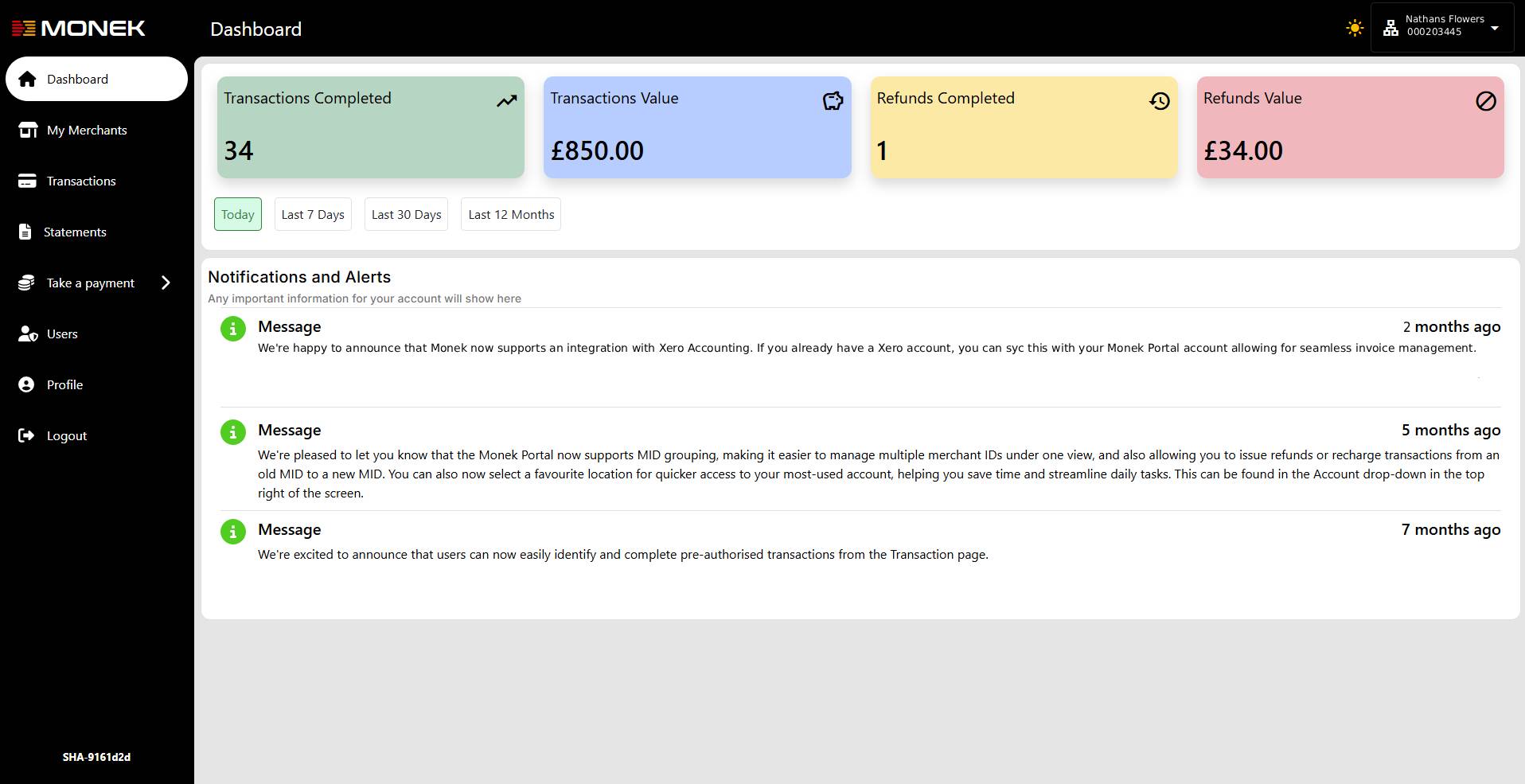
The Monek Partner Portal provides a streamlined, modern interface designed to help Partners efficiently manage their merchants, monitor activity, and access detailed transaction insights.
Logging in
Once you click the blue link in the email, you will be redirected to set up your login details.
My Merchants
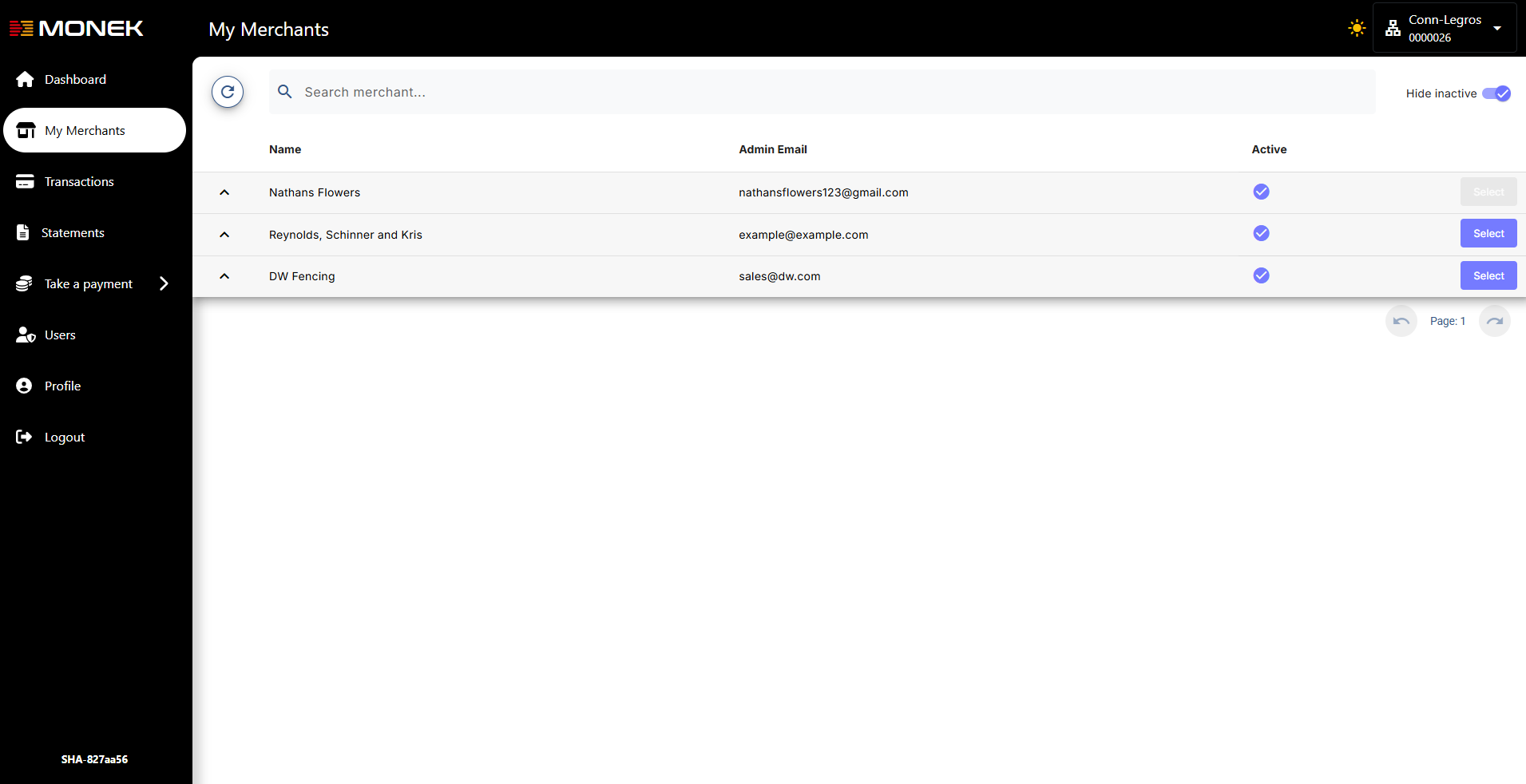
Use this screen to access and manage all merchants linked to your Partner account.
Key Features
-
Merchant List: View all your merchants in a single, organised table.
-
At-a-Glance Metrics: Select any merchant to instantly view high-level transaction metrics.
-
Recent Activity: Check the latest transaction information for each merchant.
-
Account Information: Quickly access merchant account details for support or verification needs.
Transactions
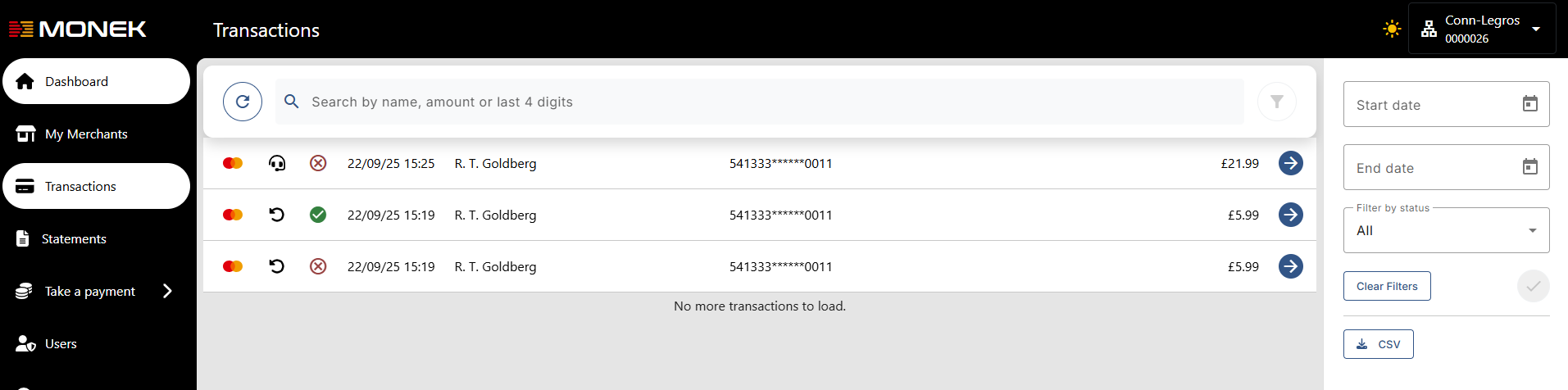
This screen provides full visibility into your merchants’ transaction activity.
Key Features
-
Transaction History: Review historical payment activity across your merchants.
-
Detailed Drill-Down: Click into any transaction to see full details, including payment method, amount, status, and timestamps.
-
Timeline View: Understand the full lifecycle of a transaction through the transaction history timeline.
-
Filter and export transaction data
Link Tracking
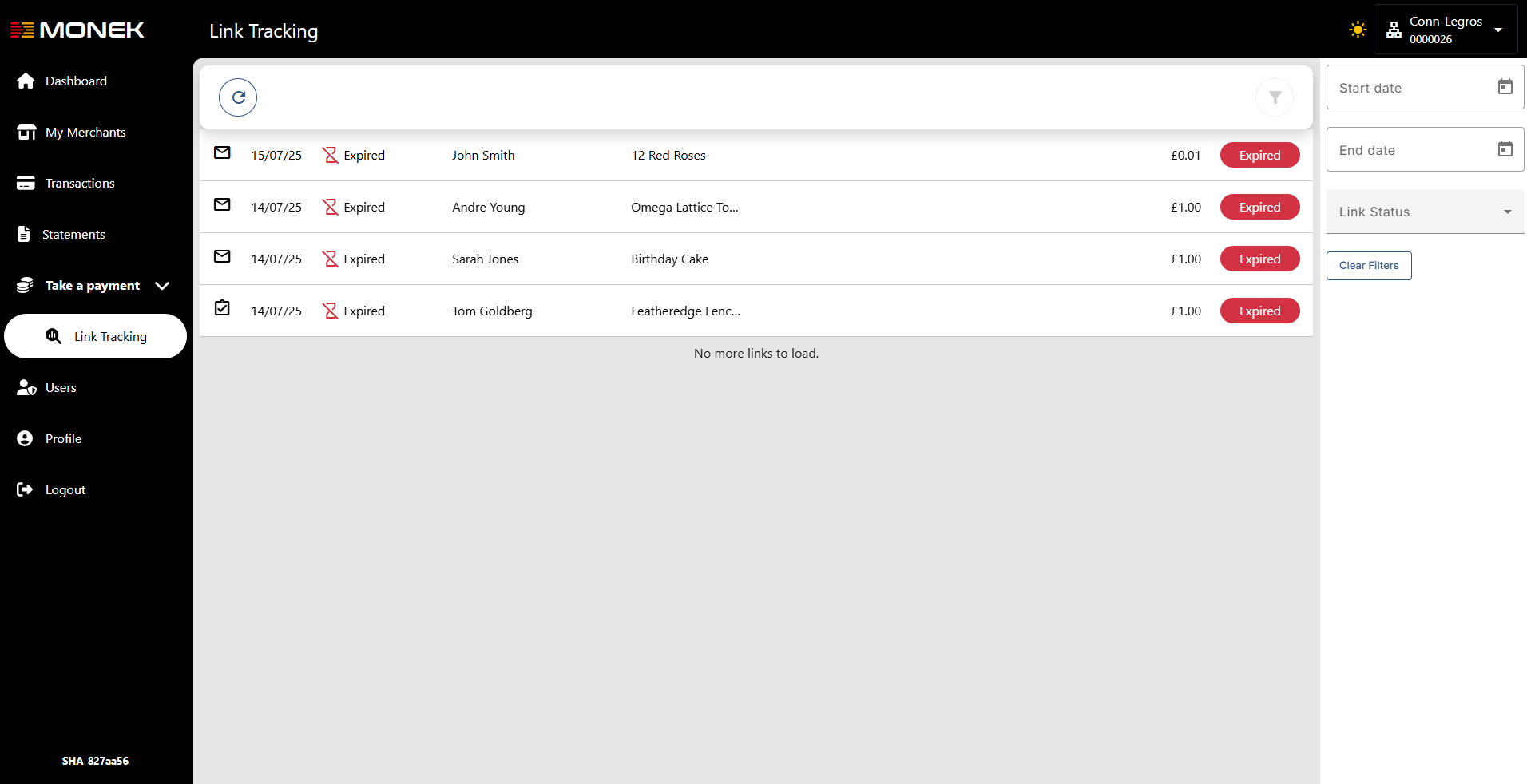
Monitor all payment link activity for your merchants.
Key Features
-
Payment Link Requests: View a list of payment link requests sent by your merchants.
-
Status Monitoring: Track link engagement and follow up where necessary.